Every independent artist dreams of reaching listeners across the world. Whether you create Hindi songs, Punjabi music, Rajasthani folk, devotional tracks, hip-hop or independent pop, getting your music on popular streaming platforms is an important step towards building your music career.
But do you need to upload your song separately to Spotify, Apple Music, YouTube Music and JioSaavn?
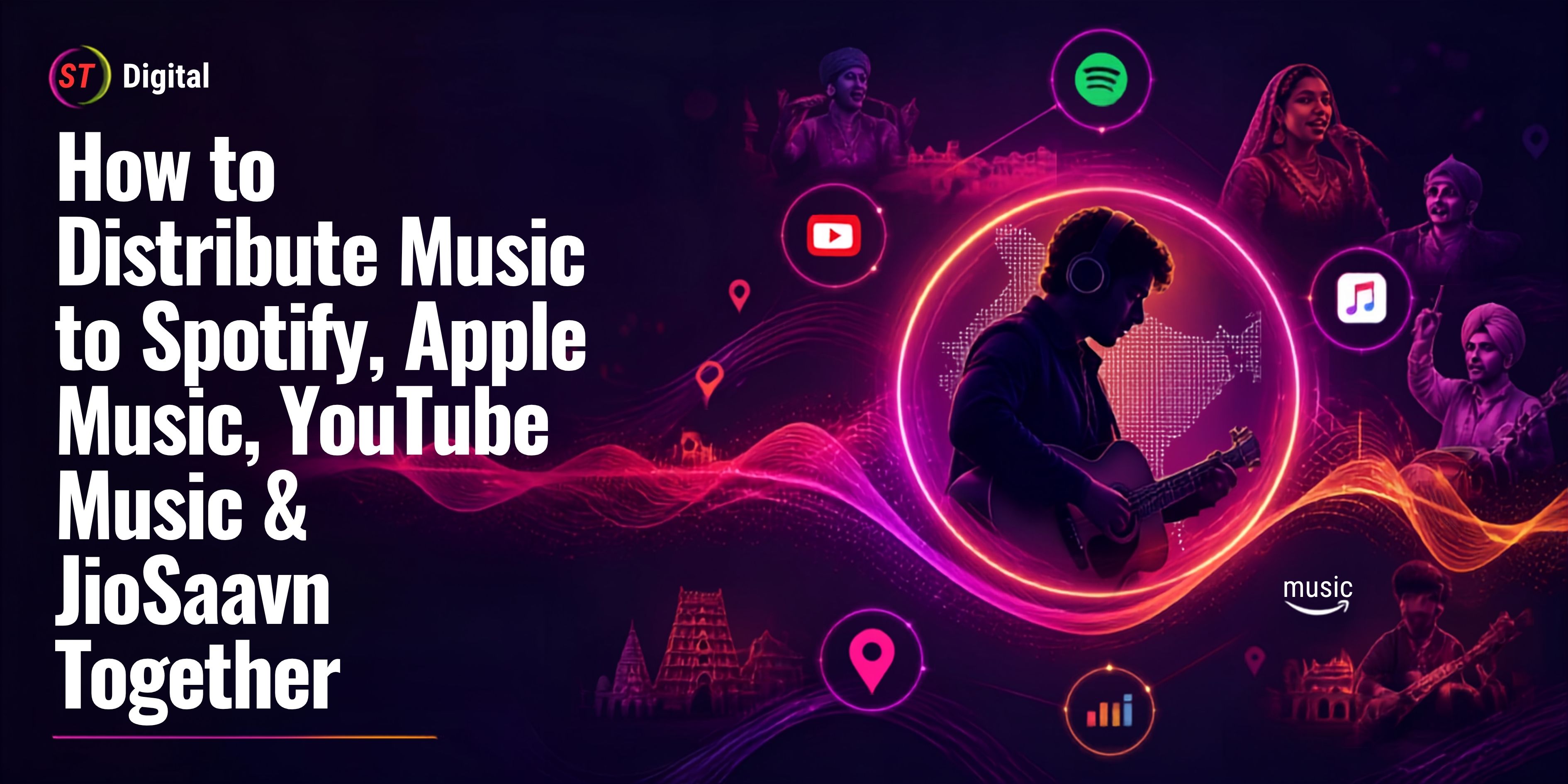
The good news is that you can distribute your music to multiple streaming platforms through a single digital music distributor. Instead of managing separate submissions, you can provide your audio, cover artwork and release details once, select the supported platforms and let your distributor handle the delivery process.
In this guide, we will explain how to distribute music to Spotify, Apple Music, YouTube Music and JioSaavn together, what you need before uploading, how the distribution process works and how independent artists can manage their releases professionally.
Can You Distribute Music to Multiple Platforms at Once?
Yes! Independent artists can use a digital music distribution company to deliver their music to several streaming platforms through one submission.
A digital music distributor acts as a connection between artists, record labels and music streaming services. It handles the delivery of audio files, metadata, artwork and other required information according to each platform's specifications.
For example, one distribution submission may include delivery to:
However, platform availability depends on the distributor's current store network, agreement and selected distribution plan. Always check the supported platform list before submitting your release.
You do not need to sign with a traditional record label to distribute music independently. A suitable digital distributor can help you make your music available to listeners in India and international markets.
Why Should Artists Release Music on Multiple Streaming Platforms?
Different listeners use different music applications. Some prefer Spotify for playlists and music discovery, others use Apple Music, while many Indian listeners enjoy regional and Bollywood music through platforms such as JioSaavn.
Publishing your music across multiple supported platforms can help you reach a wider potential audience.
1. Reach a wider audience
Releasing your song on several streaming platforms makes it accessible to listeners who use different music services.
For example, a Punjabi singer may have listeners on Spotify, YouTube Music and JioSaavn. Making the same release available across these services gives fans more ways to discover and listen to the song.
2. Build your international presence
Spotify and Apple Music have audiences in many countries. With the right distributor and international store coverage, independent artists can make their recordings available beyond their local market.
This can be particularly valuable for Indian artists targeting listeners in countries with large Indian communities.
3. Improve music discovery opportunities
Each platform has its own search, recommendation and playlist features. Having a consistent release across services gives listeners multiple opportunities to discover your music.
However, distribution does not guarantee playlist placement, streams or popularity. Music promotion and audience engagement remain important.
4. Manage your music from one place
A distributor can simplify the release process by managing deliveries and reporting through one account instead of requiring artists to coordinate every platform separately.
5. Track performance across services
Depending on the distributor's reporting features, artists may be able to review streaming activity, revenue reports and performance across different stores.
This information can help artists understand where their music is being heard and plan future releases.
What Is a Digital Music Distributor?
A digital music distributor is a company that delivers music recordings to streaming platforms and digital music stores.
When an artist submits a release, the distributor processes the audio, artwork and metadata, then delivers the content to the platforms covered by its agreements.
The distributor may also collect eligible recording royalties and report earnings to the artist or rights holder according to the distribution agreement.
Its services can include:
Digital music delivery.
Metadata and artwork submission.
Release scheduling.
ISRC and UPC management, where applicable.
Streaming and revenue reporting.
Royalty administration.
Takedown and metadata correction support.
Additional monetization or promotional services, depending on the provider.
If you want to understand the complete process, read our guide to music distribution without a record label.
How to Distribute Music to Spotify, Apple Music, YouTube Music & JioSaavn Together
Here is the step-by-step process for releasing one song across multiple streaming platforms.
Step 1: Choose a reliable music distribution company
The first step is selecting a distributor that supports all the platforms you want to reach.
Before creating an account, confirm that the distributor currently supports:
Spotify
Apple Music
YouTube Music
JioSaavn
You can also check whether it delivers to Amazon Music, Deezer and other regional or international services.
Compare the following points before choosing:
Distribution fees or subscription charges.
Royalty-sharing arrangements.
Supported streaming platforms.
Payment schedule and payout requirements.
Customer support.
Release and takedown policies.
Music ownership and licensing terms.
Choose a distributor based on its services and agreement, not only its advertised price.
Step 2: Prepare your final audio file
Your audio recording should be complete and professionally mastered before submission.
Most distributors accept high-quality audio files in formats such as WAV, but technical requirements can vary.
Before uploading, check:
The audio is in the distributor's accepted format.
The final mix and master have been approved.
There are no unwanted noises or clipping.
The beginning and ending of the recording are correct.
The track is the final version you intend to release.
You have permission to distribute all included recordings and samples.
Avoid uploading unfinished demo recordings unless the distributor specifically accepts that type of release.
Step 3: Create professional cover artwork
Every digital release needs suitable cover artwork.
Prepare a square, high-quality image that follows your distributor's current artwork requirements.
Your cover artwork should:
Represent the song or album.
Use clear, readable text where applicable.
Include the correct artist and release information.
Avoid misleading platform logos or unauthorized branding.
Avoid promotional messages such as "Out Now" unless specifically permitted.
Use images, fonts and graphics you have permission to use.
A professional cover helps establish a consistent identity for your music.
Step 4: Prepare your music metadata
Metadata is the information associated with your song. It helps streaming platforms identify the recording, artist, contributors and release details.
Incorrect metadata can lead to delays, incorrect artist profiles or delivery problems.
Prepare the following information:
MetadataDetailsSong titleOfficial track nameArtist nameCorrect primary artist nameFeaturing artistAdditional performers, if applicableAlbum or single nameRelease titleGenreMain music categoryLanguageLanguage of the recordingRelease datePlanned launch dateComposerComposition creditLyricistLyrics creditProducerProduction creditExplicit contentCorrect content declarationCopyright informationApplicable ownership details
Make sure your artist name is consistent across every release. If you already have an artist profile on Spotify or Apple Music, provide the correct profile link or artist ID to your distributor wherever possible.
Step 5: Create or log in to your distributor account
Register with your selected music distribution company.
Depending on the service, you may need to provide:
Artist or label information.
Contact details.
Account and payment information.
Rights ownership declarations.
Tax or identity information, where required.
After account verification, open the release submission section.
Step 6: Upload your song and cover artwork
Select whether you are releasing a single, EP or album.
Upload the final audio file and cover artwork, then enter all required metadata.
Review the information carefully before proceeding. The song title, artist name, language, credits and release date should match your approved release details.
Step 7: Select Spotify, Apple Music, YouTube Music and JioSaavn
This is one of the most important parts of the process.
Your distributor may show a list of supported digital stores and streaming services during submission.
Select the platforms you want your music delivered to, including:
Spotify
Apple Music
YouTube Music
JioSaavn
You can also select other available platforms if they are relevant to your audience.
Confirm that all four requested services are included in the selected plan and submission. Do not assume every distributor supports every store.
Step 8: Choose your release date
Select a release date that gives the distributor enough time to review and deliver your music.
Avoid waiting until the last moment. A release submitted early gives you more time to correct metadata, resolve artwork issues and prepare your promotional campaign.
For Spotify, artists can use Spotify for Artists to pitch eligible unreleased music to editorial playlist editors. Spotify recommends submitting a pitch at least seven days before the release date.
For a smoother launch, plan your release several weeks in advance where possible.
Step 9: Submit your release for review
Once everything is ready, submit your music.
The distributor may review your submission for:
Audio quality and format.
Artwork compliance.
Metadata accuracy.
Copyright and ownership information.
Platform-specific requirements.
If any information is missing or incorrect, the distributor may request changes before delivering the release.
After approval, the distributor sends the music to the selected platforms.
Step 10: Verify your song on every platform
After delivery and publication, check each streaming service individually.
Search for your song on:
Spotify
Apple Music
YouTube Music
JioSaavn
Confirm that:
Your song appears under the correct artist name.
The cover artwork is correct.
The song title and credits are accurate.
The audio plays correctly.
The release is linked to the correct artist profile.
If your music appears under the wrong artist profile or any information is incorrect, contact your distributor for assistance.
Platform-Wise Guide to Releasing Your Music
Although one distributor can deliver a release to multiple platforms, each service has its own artist tools and features.
1. Distribute Music to Spotify
Spotify is one of the major music streaming services used by listeners around the world.
Artists generally deliver their music to Spotify through an approved digital distributor or record label.
After your first release is available, you can claim your artist profile through Spotify for Artists.
Spotify for Artists allows you to:
Manage your artist profile.
Add a biography and profile images.
View audience and streaming insights.
Pitch eligible unreleased music to editorial playlist editors.
Review your music's performance.
Official resource: https://artists.spotify.com/
2. Distribute Music to Apple Music
Apple Music provides artists with access to listeners using Apple devices and other supported services.
Independent artists typically use a distributor to deliver their recordings to Apple Music.
After your release becomes available, you can access Apple Music for Artists to manage your artist presence and review performance information.
You can use its tools to:
View music performance.
Understand listener activity.
Track Shazam-related insights.
Manage artist profile information.
Monitor your catalog.
Official resource: https://artists.apple.com/
3. Distribute Music to YouTube Music
YouTube Music allows listeners to discover official music releases through the YouTube music ecosystem.
A digital music aggregator can deliver audio recordings and metadata to YouTube Music. This is different from manually uploading a music video to your personal YouTube channel.
Depending on the distributor's services and agreement, additional options may include Art Track delivery, YouTube Content ID administration and other monetization features.
Artists should confirm which YouTube services are included in their distribution agreement.
Official resource: https://support.google.com/youtubemusic/
4. Distribute Music to JioSaavn
JioSaavn is an important music streaming service for artists targeting Indian audiences.
Indian independent musicians, regional singers and music labels may want to make their recordings available to listeners who use JioSaavn.
To release music on JioSaavn:
Choose a distributor that currently supports JioSaavn.
Prepare your final audio and artwork.
Enter your artist name and release metadata.
Select JioSaavn in the distributor's store list.
Submit your release for review.
Check the published song after delivery.
For regional artists, correct language, genre, artist information and credits are especially important.
What Documents and Information Do You Need?
The exact requirements depend on the distributor, but artists should prepare the following before submitting a release.
RequirementPurposeFinal audio fileOfficial recording for distributionCover artworkRelease imageArtist detailsCorrect artist identificationSong metadataTitle, language, genre and creditsCopyright detailsOwnership and licensing informationContributor permissionsAgreements with relevant collaboratorsRelease datePlanned publication dateISRCRecording identification code, where applicableUPC/EANRelease identification code, where applicable
If your music contains samples, remixes, interpolations or third-party material, make sure you have the necessary permissions before distribution.
What Are ISRC and UPC Codes?
Two important identifiers in digital music distribution are ISRC and UPC.
ISRC: International Standard Recording Code
An ISRC identifies an individual sound recording or music video.
It helps distinguish one recording from another, including different versions of the same song.
For example, an original studio recording and a separately released live version may require different ISRCs.
UPC: Universal Product Code
A UPC or EAN is generally used to identify a music release, such as a single, EP or album.
It helps stores and distributors identify the release as a product.
Your distributor may assign these codes or allow you to provide existing valid identifiers. Follow its instructions and avoid creating duplicate identifiers for the same release.
How Do Artists Earn Money from Multiple Streaming Platforms?
When eligible music is streamed or purchased, the relevant rights holders may earn royalties according to the platform's payment model and applicable agreements.
A distributor generally collects the revenue covered by its agreement and reports or pays the artist according to the agreed terms.
Potential revenue sources may include:
Audio streaming royalties.
Digital download sales.
Eligible YouTube music revenue.
Other monetization services covered by the agreement.
Additional licensing revenue where separately administered.
There is no fixed universal payment rate for every stream. Earnings can depend on the platform, listener location, subscription type, rights ownership and distribution agreement.
Artists should review royalty statements and understand the distributor's commission, deductions, payment threshold and payout schedule.
For a deeper explanation, read our guide to music royalties in India.
Common Mistakes to Avoid During Music Distribution
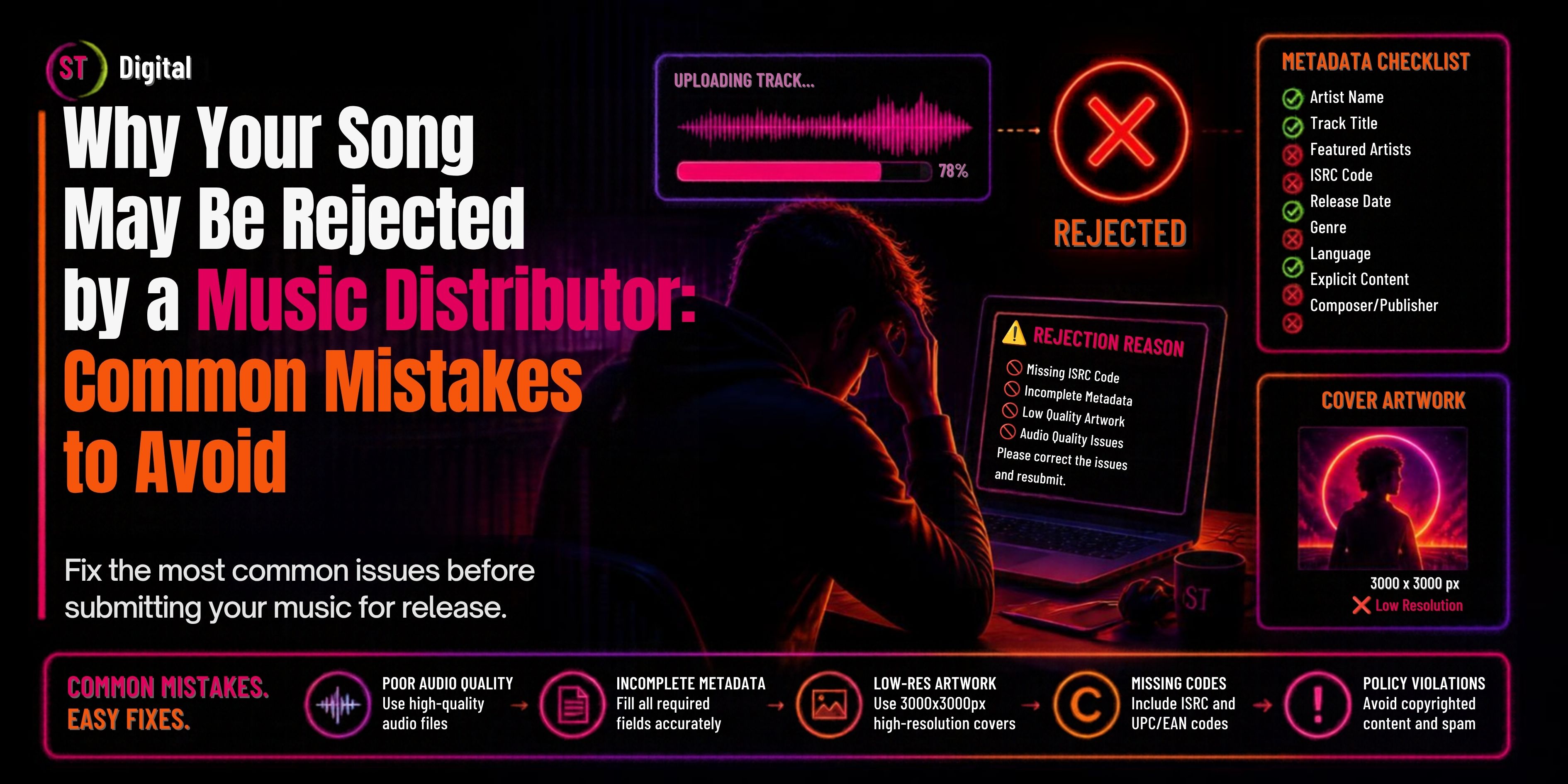
Even a good song can face delivery problems if the release information is incomplete or incorrect.
Here are some common mistakes independent artists should avoid.
1. Incorrect artist name
Using different spellings of your artist name across releases can create confusion and may cause music to appear under the wrong artist profile.
2. Low-quality audio
Always submit the final approved master in the format accepted by your distributor.
3. Incorrect cover artwork
Artwork that does not follow platform requirements may be rejected or require correction.
4. Missing music credits
Add accurate information about composers, lyricists, producers and featured artists.
5. Uploading at the last minute
Submitting music too close to the release date leaves little time for corrections or platform delivery delays.
6. Copyright and sample issues
Never distribute music containing unauthorized samples, recordings, artwork or other copyrighted material.
7. Not checking all platforms
After release, verify that your song is available on every selected platform and linked to the correct artist profile.
8. Assuming distribution guarantees promotion
Music distribution makes your release available on supported platforms. It does not guarantee streams, playlist placement or viral success. Artists should prepare their own marketing and promotional strategy.
How ST Digital Helps Independent Artists Distribute Music
Independent artists need a distribution partner that makes releasing music simple and helps them manage their catalog.
ST Digital provides music distribution services for artists and labels looking to release music through digital platforms.
Through its music distribution service, artists can explore the process of submitting recordings, preparing release details and reaching supported streaming services.
Artists interested in distributing their music can explore:
ST Digital Music Distribution: https://stdigital.in/music-distribution
Before submitting a release, check the current platform list, eligibility requirements, royalty arrangements and distribution agreement.
Whether you are an independent singer, composer, regional artist or music label, preparing your release correctly can help make the distribution process smoother.
Conclusion
Distributing your music to Spotify, Apple Music, YouTube Music and JioSaavn together is possible through a single digital music distributor that supports all four services.
You do not need to manage separate submissions for every platform when your distributor offers multi-platform delivery. Prepare your audio, artwork, metadata and rights information, select the supported stores and submit your release well ahead of the launch date.
For independent artists in India, this approach can simplify music releases and make recordings accessible to listeners across different streaming services.
If you are ready to release your next single, EP or album, explore ST Digital's music distribution services and review the current requirements for distributing your music.
Frequently Asked Questions (FAQs)
1. Can I upload my song to Spotify, Apple Music, YouTube Music and JioSaavn together?
Yes. You can use a digital music distributor that supports all four services. Upload your music once, complete the metadata and select the supported platforms during submission.
2. Do I need a record label to distribute my music?
No. Independent artists can distribute their music through a digital music distribution company without signing with a traditional record label.
3. Can I distribute music to multiple platforms for free?
Some distributors offer free distribution plans, while others charge a fee, subscription or commission. Always review the current pricing and royalty terms before selecting a service.
4. How long does it take for music to appear on streaming platforms?
Delivery times vary by distributor and platform. Review the provider's current timelines and submit your music well before the intended release date.
5. Can I release Hindi, Punjabi and regional songs on these platforms?
Yes, provided the recording meets the distributor's requirements and the relevant platform accepts the release. Enter the correct language, artist information and metadata.
6. Do I need separate accounts for Spotify, Apple Music and JioSaavn?
You generally need a distributor account to submit music. After publication, you can claim or manage your artist presence through the respective artist tools where available.
7. What audio format should I upload?
Many distributors accept high-quality WAV files, but the exact format, bit depth and sample-rate requirements vary. Follow the specifications provided by your selected distributor.
8. What is the difference between music distribution and music promotion?
Music distribution delivers your recording to streaming platforms and stores. Music promotion involves marketing activities such as social media campaigns, advertising, press coverage and audience engagement.
9. Will my song automatically appear on the correct artist profile?
Not always. Provide your existing artist profile links or IDs to your distributor wherever possible. After release, verify the artist mapping and request corrections if needed.
10. Can I earn royalties from all four platforms?
You may earn eligible royalties from each platform where your music generates reportable revenue. The amount and payment conditions depend on the platform, rights and distributor agreement.

 October 26, 2026