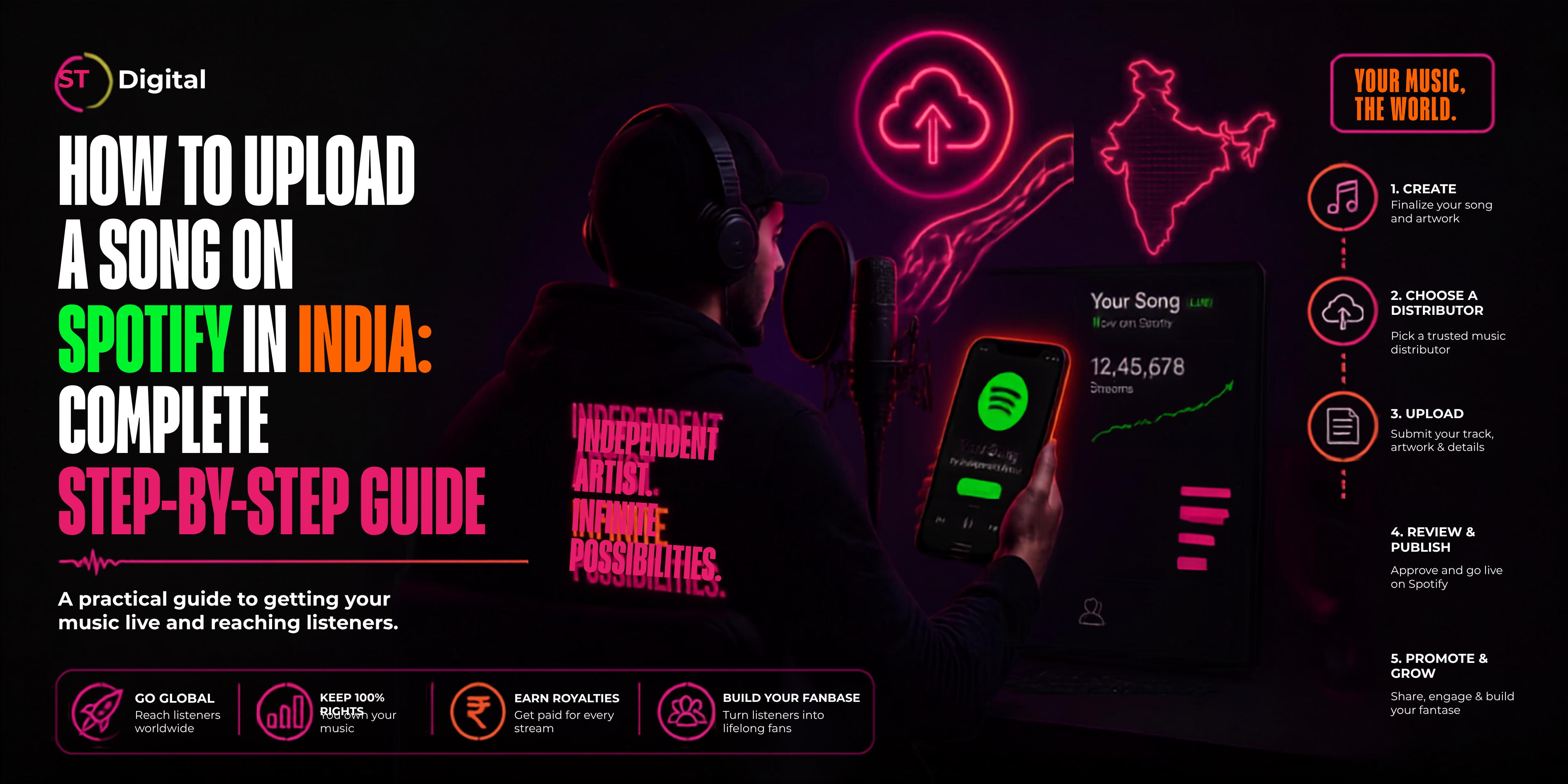
For independent artists in India, getting a song on Spotify is one of the most important steps toward building a professional music career. Whether you are a Hindi singer, Punjabi artist, Rajasthani musician, Haryanvi rapper, devotional singer, independent producer, or new songwriter, Spotify can help your music reach listeners in India and around the world.
But there is one important thing to understand:
Artists generally do not upload songs directly to Spotify like they upload videos to YouTube. Instead, you submit your music through a music distributor, which delivers your release to Spotify and other digital streaming platforms.
In this guide, we explain how to upload a song on Spotify in India, what you need before uploading, how music distribution works, how to choose a distributor, and what to do after your song goes live.
What Is Spotify Music Distribution?
Spotify music distribution is the process of delivering your recorded music to Spotify through an authorized digital music distributor.
A distributor typically handles the technical delivery of your:
Instead of submitting your music separately to every streaming service, a distributor can deliver your release to multiple platforms.
ST Digital, for example, provides music distribution to Spotify along with other major digital music services. Its current distribution process is based around registering, uploading music, distributing it, and monitoring earnings.
Can Independent Artists Upload Songs to Spotify?
Yes.
You don't necessarily need a traditional record label to release music on Spotify.
Independent artists can work with a music distributor and release singles, EPs or albums without signing a traditional record-label deal.
This is particularly useful for India's growing independent music scene.
For example, an artist from Jaipur can release a Rajasthani song for listeners in:
Jaipur
Delhi
Mumbai
Punjab
Gujarat
Dubai
London
Canada
Australia
The United States
Your location does not have to limit your potential audience.
What Do You Need Before Uploading a Song to Spotify?
Before starting your upload, prepare everything in advance.
A smooth release usually requires five important things.
1. Final Audio File
Your song should be completely finished before distribution.
Ideally, work with a properly mixed and mastered master rather than an unfinished demo.
Your distributor may specify accepted file formats and technical requirements, so always check its current upload requirements before submission.
For ST Digital releases, its published guidance recommends a high-quality WAV or high-bitrate MP3 and a properly mastered track.
2. Professional Cover Artwork
Your artwork is the visual identity of your release.
Prepare a high-resolution square cover that represents your song professionally.
Avoid using:
For a professional release, your artwork should match the artist name and song title entered in your metadata.
3. Correct Song Metadata
Metadata is the information attached to your release.
Prepare details such as:
Check spelling carefully.
A small metadata mistake can create problems with artist attribution, search visibility, credits or catalog management.
Step-by-Step: How to Upload a Song on Spotify in India
Now let's look at the complete process.
Step 1: Choose a Music Distributor
The first step is choosing a reliable distributor.
A distributor acts as the bridge between you and Spotify.
When comparing music distributors, look at:
If you are looking for a distributor that can handle Spotify along with other digital platforms, you can explore ST Digital's music distribution service.
ST Digital currently promotes global distribution, account support, analytics and distribution to major digital platforms.
Step 2: Create Your Distributor Account
Once you've selected your distributor, create an account.
Typically, you will need to provide basic account and artist information.
With ST Digital, artists can register and begin the distribution process through the platform. The company also states that it offers free music distribution in India to major streaming services including Spotify, Apple Music, JioSaavn and YouTube Music.
Always review the distributor's current agreement and commercial terms before submitting your release.
Step 3: Create a New Release
After logging into your distributor dashboard, create a new release.
Depending on your release, you may choose:
If you're releasing one song for the first time, choose Single.
You will then begin entering the information required for your release.
Step 4: Enter Your Artist Name
Enter your artist name exactly as you want it displayed on Spotify.
For example:
Artist Name: Abhay Rathore
Don't randomly change capitalization or spelling between releases.
Consistency is important for maintaining a clean artist catalog.
If you already have a Spotify artist profile, you should also make sure your new release is connected to the correct artist profile.
Step 5: Add Your Song Title
Enter the official title of your track.
For example:
Song Title: Kesariya Rajasthan
Avoid adding promotional phrases to the title field such as:
Official Song
Latest Song 2026
Viral Song
Full HD
DJ Remix Official Video
unless those terms are genuinely part of the official title.
Your metadata should accurately represent the actual release.
Step 6: Upload Your Audio
Now upload your final master.
Before submitting, listen to the entire file.
Check for:
Clipping
Distortion
Unwanted silence
Incorrect intro/outro
Missing vocals
Wrong master version
Sudden volume changes
Once uploaded, make sure the correct audio file is attached to the correct track.
Step 7: Upload Your Cover Artwork
Upload your prepared cover artwork.
Your artwork should:
Be square
Be high quality
Clearly represent your release
Match your metadata
Avoid misleading information
Follow your distributor's current artwork requirements
For example, ST Digital's published Spotify-release guide recommends square artwork and gives 3000 × 3000 pixels as an example size.
Always check the latest requirements before uploading because platform specifications can change.
Step 8: Add Contributors and Credits
Don't forget the people involved in creating your song.
Depending on the release and distributor, credits may include:
Composer
Lyricist
Producer
Featured artist
Remixer
Performer
Correct credits help ensure that everyone involved is properly identified.
Step 9: Add ISRC Information
An ISRC (International Standard Recording Code) identifies a specific sound recording.
If you already have an ISRC for the recording, enter it correctly.
If you are releasing a new recording and don't have one, your distributor may provide or assign the necessary identifier depending on its process.
Do not create random codes or reuse an incorrect ISRC.
Step 10: Select Spotify and Other Platforms
Now select the digital platforms where you want your music distributed.
Spotify is obviously the main target for this guide, but you may also want to distribute your song to other platforms.
Depending on the distributor and release, these can include:
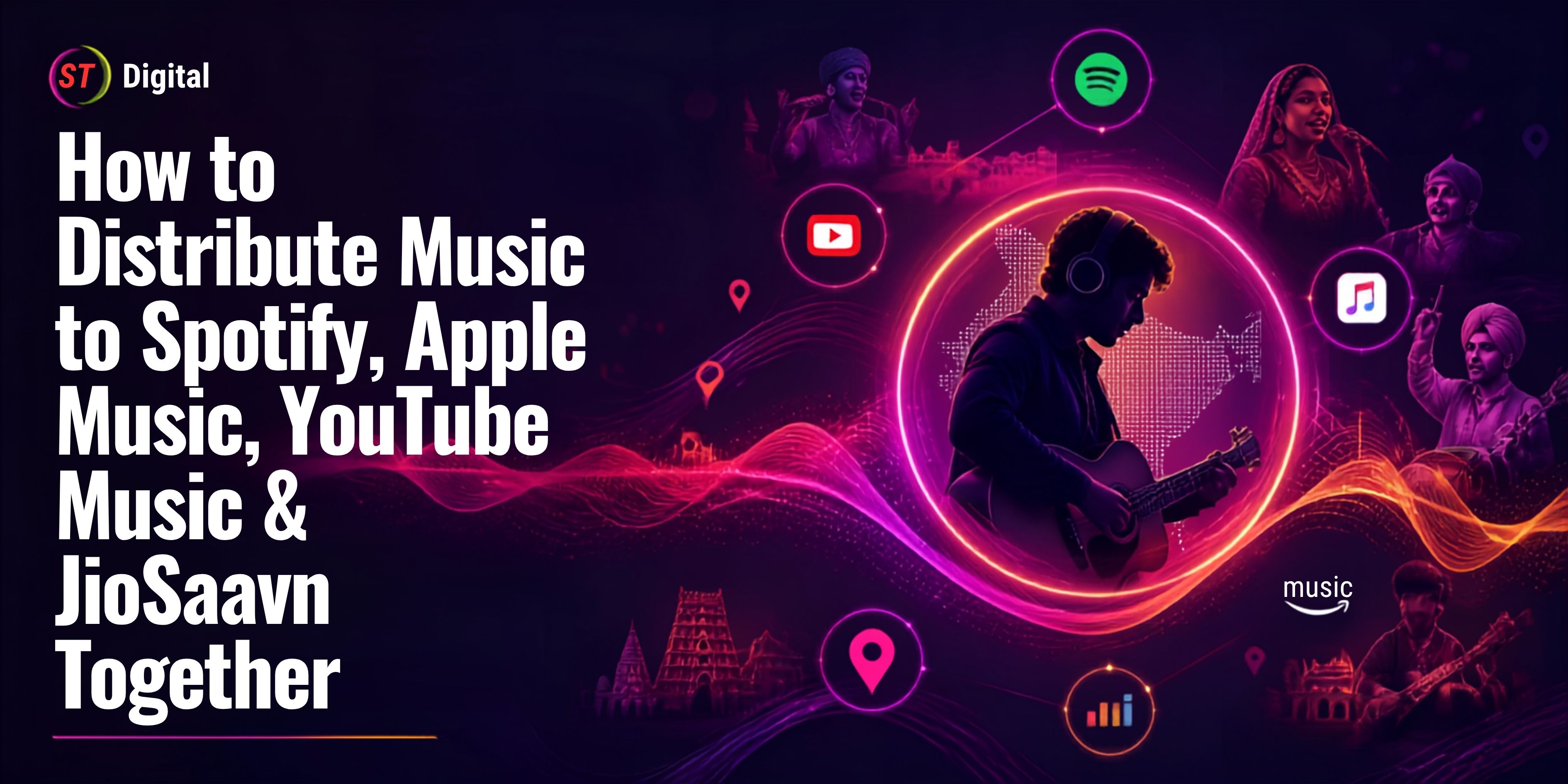
ST Digital currently lists Spotify, Apple Music, YouTube, TikTok, Deezer, Amazon Music and Pandora among the platforms it works with.
This means one properly prepared release can potentially reach listeners across multiple services instead of only Spotify.
Step 11: Choose Your Release Date
Don't choose your release date at the last second.
Give yourself enough time for:
ST Digital's existing Spotify guide recommends planning the release ahead of time rather than uploading immediately before your desired launch date.
Tip: If this is an important release, build a proper pre-release campaign instead of treating distribution as the entire marketing strategy.
Step 12: Review Everything Before Submission
This is one of the most important steps.
Before pressing submit, check:
Artist Information
Track Information
Audio
Artwork
Release
Credits
Fix mistakes before submitting wherever possible.
Step 13: Submit Your Song for Distribution
Once everything looks correct, submit your release.
The distributor will review the submission before delivering it to the selected digital platforms.
If your release has an issue, you may be asked to correct information before distribution.
Don't panic if your song isn't immediately visible on Spotify after pressing submit.
Distribution involves processing and platform delivery.
How Long Does It Take for a Song to Appear on Spotify?
The exact timeline can vary depending on the distributor, Spotify's processing and whether there are any problems with the release.
ST Digital states that distribution timelines can range from a few days to a few weeks depending on the release and platform.
For an important release, plan ahead rather than relying on same-day distribution.
If you need a specific launch date, submit your release sufficiently early to allow time for corrections and processing.
What If Your Song Goes to the Wrong Spotify Artist Profile?
This can happen when multiple artists have similar names.
For example, imagine there are three artists named:
Aman
If metadata or artist identification is incorrect, your release could potentially be associated with the wrong artist profile.
That's why you should carefully provide the correct artist information and existing artist identifiers where requested.
ST Digital's Artist Help documentation explains how Spotify Artist IDs can be located from Spotify web links or the Spotify URI.
If you already have a Spotify artist profile, provide the correct profile information to your distributor.
How to Claim Your Spotify for Artists Profile
After your music is properly delivered and your artist profile is available, you can use Spotify for Artists to manage your artist presence and access available artist tools and insights.
Your artist profile is different from your distributor account.
Think of it this way:
Distributor → Delivers your music
Spotify → Hosts and streams your music
Spotify for Artists → Helps you manage and understand your artist presence
Claiming and managing your artist profile can help you present yourself professionally and understand how listeners interact with your music.
How to Promote Your Song After It Goes Live
Getting your song onto Spotify is only the beginning.
Distribution makes your music available. Promotion helps people discover it.
After release, create multiple pieces of content from one song.
Instagram Reels
Create short videos using your strongest hook.
For example:
YouTube Shorts
Repurpose your strongest vertical content for YouTube Shorts.
Music Video
If you have a music video, connect the video campaign with your Spotify release.
Behind-the-Scenes Content
Show:
Recording sessions
Studio moments
Music production
Shoot locations
Making of the song
Creator Collaborations
Work with relevant creators who fit your music genre and audience.
For regional music, this can be particularly effective when creators already have an audience interested in the language or culture represented in your song.
How Indian Regional Artists Can Use Spotify
Spotify isn't only for English-language music.
Indian independent artists can use digital distribution to reach audiences for:
Hindi music
Punjabi music
Rajasthani music
Haryanvi music
Bhojpuri music
Marathi music
Gujarati music
Bengali music
South Indian languages
Folk music
Devotional music
Indie pop
Hip-hop
Rap
This makes digital distribution especially valuable for artists who want to move beyond their local audience.
ST Digital's existing distribution resources specifically highlight the ability to distribute music globally and across major streaming services.
Can You Upload a Song to Spotify for Free?
The answer depends on the distributor and its current commercial terms.
Some distributors offer free distribution models, while others charge subscriptions, per-release fees or take a percentage of revenue.
ST Digital currently advertises free music distribution in India and states that there are no upfront or hidden fees on its music distribution page.
However, artists should always read the current distribution agreement and terms before submitting music because commercial arrangements can vary.
Common Mistakes to Avoid When Uploading Music to Spotify
1. Uploading an Unfinished Master
Never rush a release simply to meet a date.
2. Incorrect Artist Name
Even a small spelling difference can create catalog problems.
3. Poor Artwork
Your cover is part of your professional identity.
4. Incorrect Credits
Give proper credit to everyone who contributed to the recording.
5. Last-Minute Distribution
Give yourself enough processing time.
6. Ignoring Metadata
Metadata errors can affect how your release is displayed and organized.
7. Expecting Instant Streams
Getting onto Spotify doesn't automatically mean people will listen.
You still need marketing.
8. Choosing a Distributor Without Reading the Terms
Always understand:
Fees
Revenue share
Rights
Contract duration
Withdrawal policies
Content rules
Monetization terms
Why Use a Music Distributor Instead of Uploading Separately?
A distributor can simplify your release workflow.
Instead of managing multiple platform submissions separately, you can submit your release through one distribution service.
For example, ST Digital says artists can upload their music and artwork and have it distributed across multiple channels including Spotify, Apple Music, YouTube, TikTok, Facebook, Pandora, Amazon Music and Deezer.
For independent artists, this can save time and make catalog management easier.
Final Thoughts
Uploading a song on Spotify from India is much easier today than it was in the traditional record-label era.
You don't necessarily need a major label to get started.
The basic process is:
Create Your Music → Prepare Artwork → Add Metadata → Choose a Distributor → Upload Your Song → Select Spotify → Set Release Date → Submit → Promote Your Music
The most important thing is not simply getting your song onto Spotify.
Your long-term goal should be to build a professional artist profile, release consistently, promote every track strategically, understand your audience and use streaming data to improve your next release.
If you're looking for a free music distribution option in India, ST Digital currently provides distribution to Spotify and other major streaming platforms.
Frequently Asked Questions (FAQs)
1. Can I upload my song directly to Spotify?
Artists generally use an authorized music distributor to deliver recorded music to Spotify rather than uploading a standard music release directly.
2. Can an independent artist release music on Spotify?
Yes. You don't necessarily need a traditional record label. An independent artist can work with a music distributor to deliver their music to Spotify.
3. How much does it cost to upload a song to Spotify?
The cost depends on your distributor's current pricing and terms. Some services offer free distribution, while others use subscriptions, per-release fees or revenue-sharing models.
4. What format should my song be in?
Use a high-quality final master and follow the technical requirements provided by your chosen distributor.
5. How long does Spotify take to publish a song?
Processing times vary. Plan your release in advance rather than relying on last-minute submission.
6. Do I need a record label to upload music?
No. Independent artists can distribute their music through digital music distributors without necessarily signing with a traditional record label.
7. Can I distribute my song to Spotify and other platforms at the same time?
Yes. Depending on the distributor, one release can be delivered to multiple digital platforms.
8. Can I release Hindi, Punjabi or Rajasthani songs on Spotify?
Yes. Spotify supports music from artists working across different languages and genres. Digital distribution allows regional artists to reach audiences in India and internationally.

 November 1, 2026